The Agent-Native Agency · Day one
Your agency already runs on Claude Code and Codex agents, n8n flows and the scripts holding them together, spread across tools and accounts with nobody holding the full picture. Today we look at the platform that gathers all of it in one place you own, install it on your own server, and map what goes in.
01 · Today
The install takes about ten minutes, most of it waiting. We use that wait to map your stack, so you leave with both.
The main features of the 0.9.5 release on our own instance, where to click, and in what order.
Why personal agents turn into shadow AI, and why a company system keeps getting better.
Teammates, clients, channels, and memory that stays private to each person.
Shared rooms, agent-to-agent calls, canon, Cornelius, one orchestrator.
Local, the DevOps agent, or the DigitalOcean script. We run the script.
Every agent, flow and script. Where it lives, what it touches, who depends on it.
Data residency, security defaults, and what the Apache 2.0 license lets you do.
Sign in, add a domain, and the five sessions ahead.
02 · Trinity v0.9.5live demo
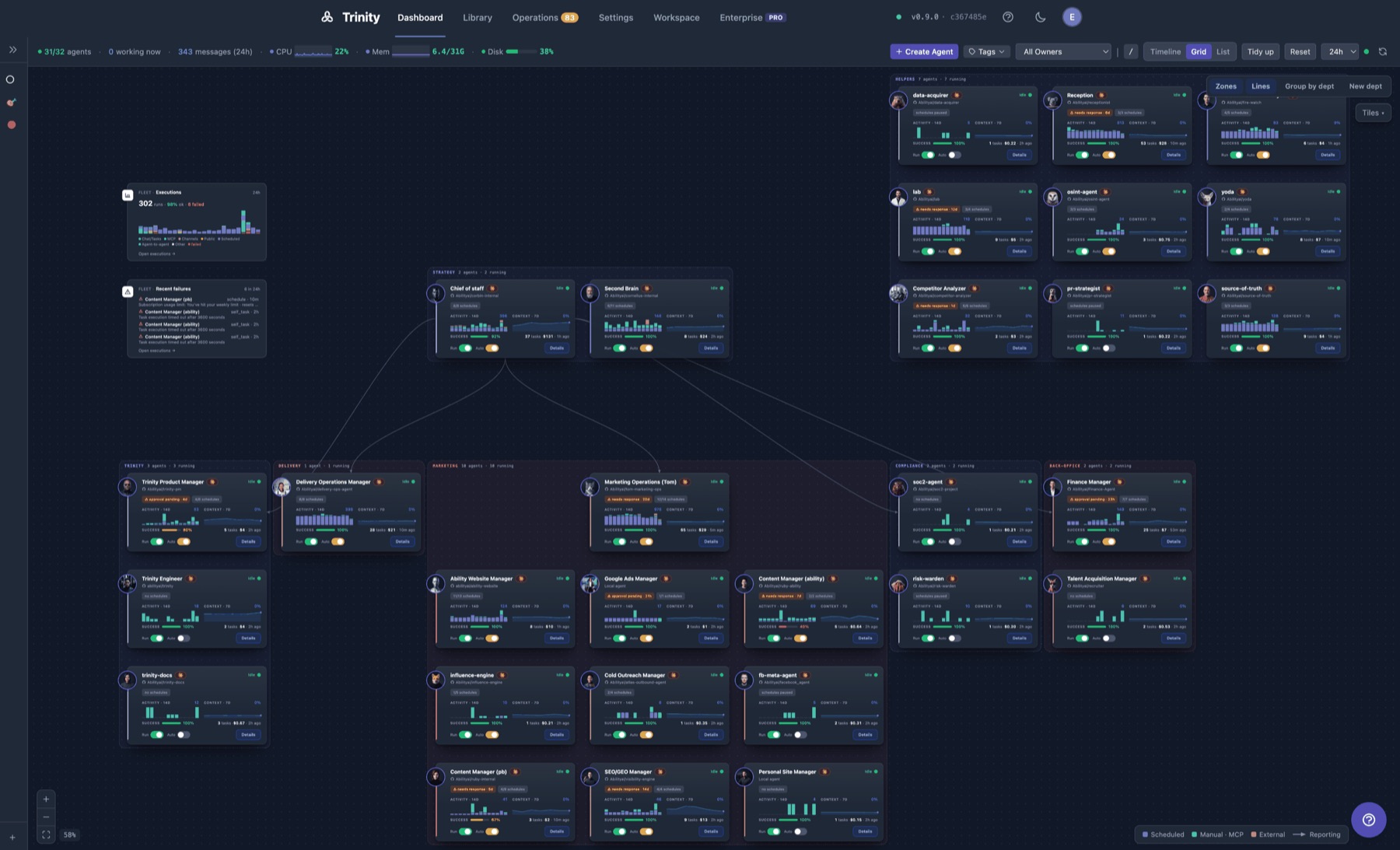
Trinity is the open-source platform for building and running persistent agents. Each agent has its own container, memory and schedule, works while nobody is watching, and reports back to one place. This release makes the Workspace the everyday surface. What to show, and where to find it:
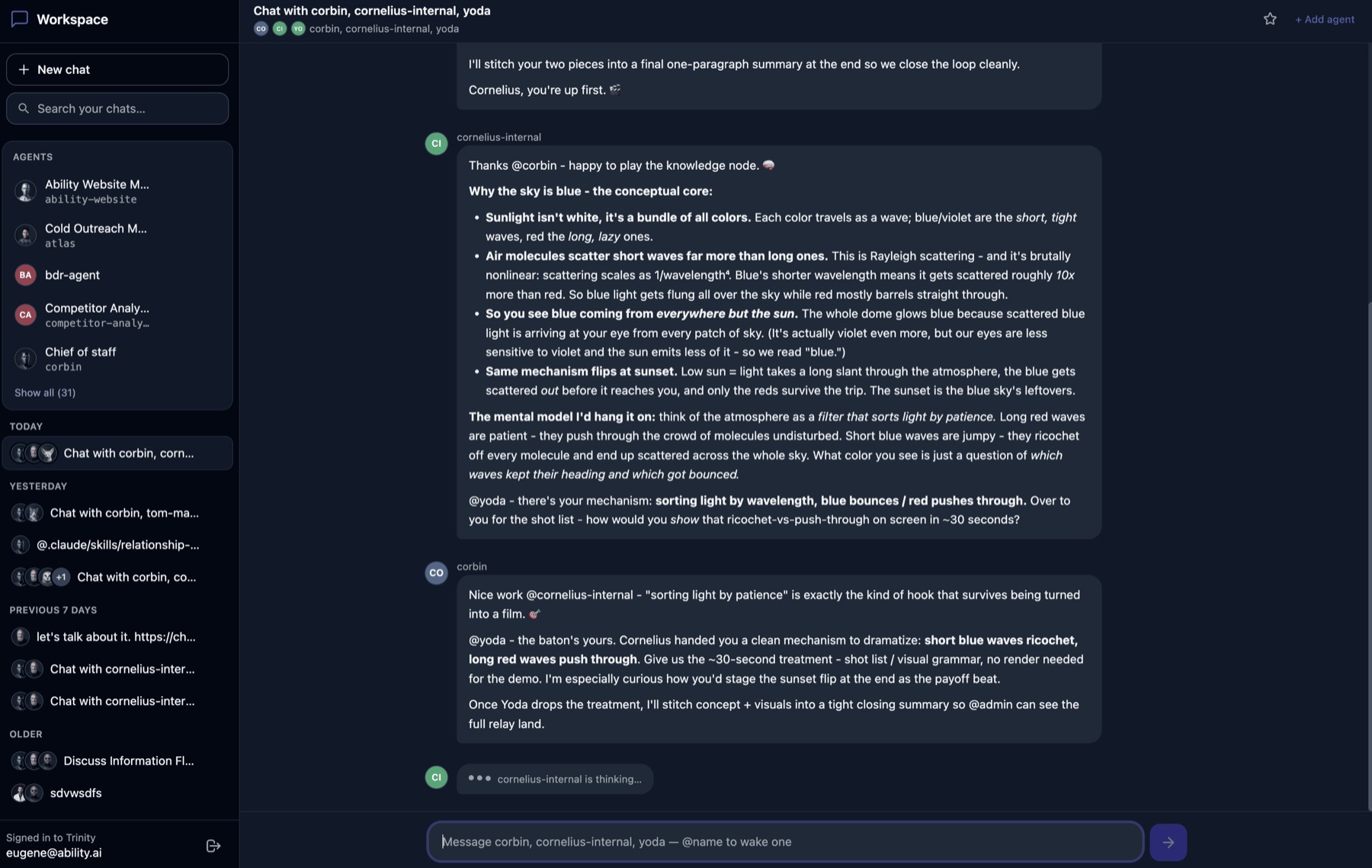
Agents at the center. A pinned Main chat, chats as tabs you can rename and jump between, resizable columns, unread marks in the sidebar and the tab title.
A live execution card streams inside the conversation. The Work tab keeps the history. Loops start and stop from the chat.
Charts, tables, KPIs and diagrams from one block set, with starter layouts. Share a canvas at a link or export it as a PDF. The open canvas is context for the agent's next turn.
A real-time call inside the Workspace. The call acts as the agent. Long tasks keep running in the background and the agent reports once when they finish.
Prebuilt images, unattended setup, and an installer script for DigitalOcean: four questions, then a server of your own on HTTPS with a real certificate.
A first-run overlay and a setup checklist in the browser, including a "Secure this instance" step.
Subscription use over the last 5 hours and 7 days, and an alert at 75% of the weekly limit. Instance telemetry is opt-in, and you can inspect the payload before sharing.
The tour, in click order


03 · One system, not scattered agents
Most teams start with each person building their own agents. It works for a while. Then there are a few dozen of them, on different laptops and accounts, with no shared rules, and nobody remembers exactly how each one was built. That is how agents quietly die, and how they become a mess nobody else can use.
Built on a personal account or laptop, touching client data and company tools, invisible to everyone else.
Made for one project and left behind. Some still run on a schedule, some break silently. Nobody notices either way.
Edited on the fly: no review, no history, no rules for how an agent may change. This week's agent is not last week's.
Colleagues can't tell what it does, what it expects, or what it touches. When the author leaves, it leaves too.
one owner each, no shared rules
many agents, one governed system
Both run on the same models. The difference is where the experience accumulates, and who governs how it changes: one person's laptop, or a system the company owns.
05 · How it compounds
One shared agent is only the start. The system improves once its agents share what they know, work together, and bring what they learned back to the rest. These are the mechanisms we run the company on, and the ones Sessions 3 and 4 build.
A conversation several agents and people share. It is a shared record rather than shared context: an agent joins when it is @mentioned.
Agents hand work to each other directly, each with its own key, and get the result back. Many tasks can run in parallel.
A system definition declares which agents may reach which. Anything not declared is refused.
A shared record of what the company currently holds true. Each agent writes only its own part and reads everyone's, so every agent works from the same facts.
Agents report what they observed. The brain checks it against other teams' reports and sends the result back as a lesson that includes the conditions it was learned under.
One agent on top that takes goals, routes work to the right department, and reports up. For work that crosses departments, your people ask one agent, not twenty.
Self-improving cognitive systems: AI that works continuously, compounds knowledge and ships its own improvements, with a human hand on the dial.
06 · Installstarted live
All three give you the same platform. Pick by where it should live and how much of the server work you want to do yourself.
Try it, build agents, develop. Everything runs in Docker; nothing else is installed on your machine.
ADMIN_PASSWORD in .env, run start.shA wizard in Claude Code: pick a cloud (DigitalOcean, Hetzner, GCP, AWS), a server you already have, or localhost. It installs Trinity and leaves you an ops agent for updates, health checks and diagnosis.
trinity plugin, a cloud account or SSH access/trinity:deploy-new-instanceFrom your terminal: four questions, then a server on your own account with Trinity installed and HTTPS on.
doctlDigitalOcean, step by step · on Windows, run everything inside WSL
brew install doctl
On Linux or WSL, follow DigitalOcean's install guide.
Open cloud.digitalocean.com/account/api/tokens, click Generate New Token, name it, tick Write, and copy the token. It is shown only once. Run this and paste it when asked:
doctl auth init
Run this and copy the sk-ant-oat01-… value it prints.
claude setup-token
This is not an Anthropic API key. API keys start sk-ant-api03- and won't work here.
This is how you'll sign in to Trinity, as user admin.
password, admin, trinity, changeme or letmein. Trinity refuses those.bash <(curl -fsSL https://raw.githubusercontent.com/abilityai/trinity/v0.9.5-rc4/scripts/deploy/trinity-do-create.sh)
If it times out: open the server's Console in DigitalOcean and read /var/log/trinity-install.log.
Sign in as admin with your password. The site is on HTTPS with a real certificate, and the server's internal ports are closed to the internet.
An IP address works but is awkward to share, and its certificate only lasts a few days before it renews. The first-run Secure this instance step suggests adding a domain.
https://your-domain.com, and save.The server costs about $48/month until you delete it. To remove it:
doctl compute droplet delete <name>
07 · While it installs
List everything your agency runs on: Claude Code and Codex agents, n8n flows, and the scripts holding them together. Many agencies find five tools spread over three accounts, with nobody holding the full picture. Fill in one row per item.
| What it isagent, flow or script, and its job | Where it livesmachine, service, whose account | What it touchessystems, data, client accounts | Who depends on itpeople, clients, other automations | Decisionkeep · wrap · rebuild |
|---|---|---|---|---|
| Proposal writer (Claude Code agent) | a founder's laptop | Drive, client briefs | sales, every new client | keep |
| Lead enrichment (n8n flow) | n8n cloud, the ops lead's account | CRM, enrichment API | business development | wrap |
| Weekly client report (Python script) | a cron job on an old VM | analytics, Sheets | three clients, nobody who remembers it | rebuild |
The three example rows are illustrations, not a real agency's stack.
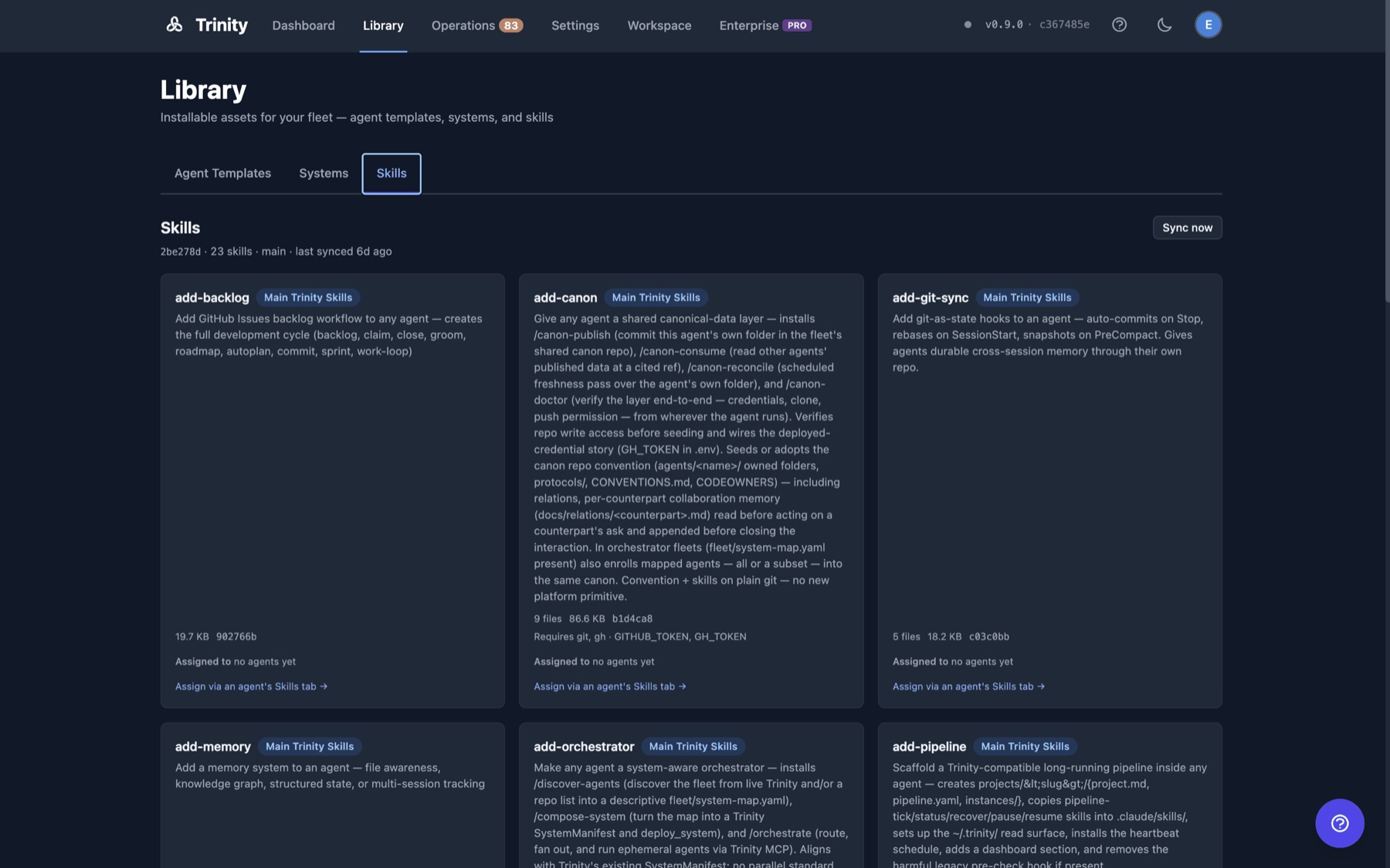
Coded agents on Claude Code or Codex move over without a rewrite. The analysis below lists what to tidy first. Each gets its own container and keys, a seat in a department, and a person who receives its work.
Flows and scripts that work stay. An agent owns and calls them, and they become playbooks.
Anything with no owner, or that needs memory and judgment, is rebuilt as an agent.
08 · Your servers
The instance you just started runs on your own cloud account. For an agency that is a selling point: you can say exactly where a client's data lives and who can reach it.
One instance, one owner, no shared tenancy. Install it in a client's own cloud account and their data never passes through yours; or run it for them on yours.
HTTPS with a real certificate, internal ports closed to the internet, credentials encrypted at rest, and automatic database backups.
Usage telemetry is off until you opt in, and you can see the payload before anything is shared. Air-gapped setups can turn off outbound calls to Ability.
Trinity is open source under Apache 2.0, with an explicit patent grant. The platform in the public repository is complete on its own: self-hosted, commercial use included, free, no license key. Enterprise modules are an optional, separate add-on.
09 · Next
Before Session 2: sign in, complete the first-run checklist, add a domain if you have one, and finish your map. Bring it with you.
Your stack mapped, your instance running.
Marketing, BD, delivery, finance, legal.
A knowledge base and data layer every agent uses.
One agent to run them all, and the hand-offs between them.
Chat, files, voice, canvas and loops, for people who don't code.
Running unattended, monitoring, and pricing client work.
Thursdays · 12 PM ET / 9 AM PT
The open-source repository, with the deploy guides and the DevOps agent.
Trinity on GitHubDevOps agent